
Where You’ll Find Ask AI
On the workflow canvas, you’ll see a floating Ask AI button in the bottom corner, giving you quick access to AI assistance while actively designing workflows.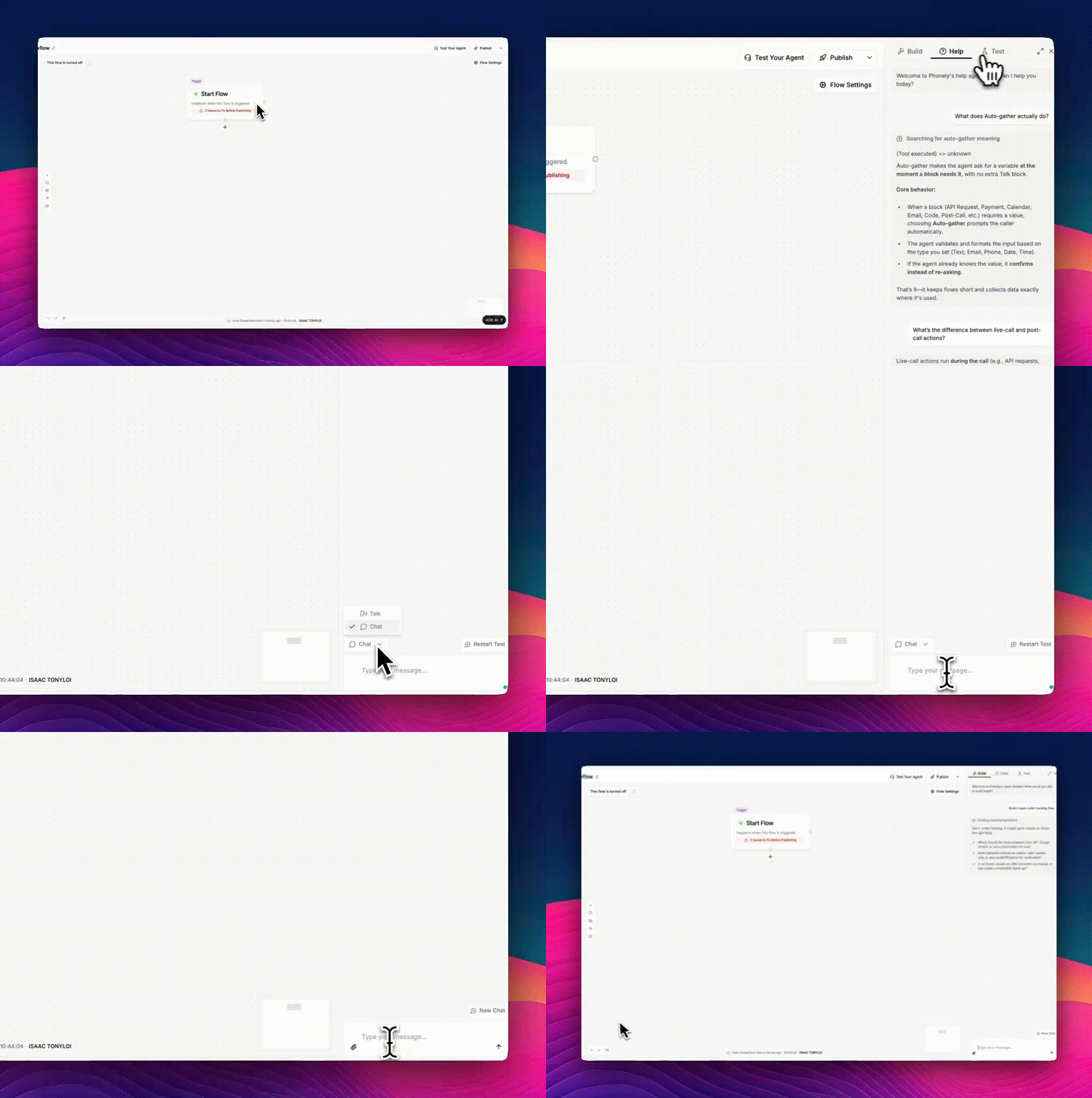
Ask AI Modes: Build, Help, and Test
Ask AI adapts based on what you’re trying to do, using three dedicated modes at the top of the panel.Build Mode
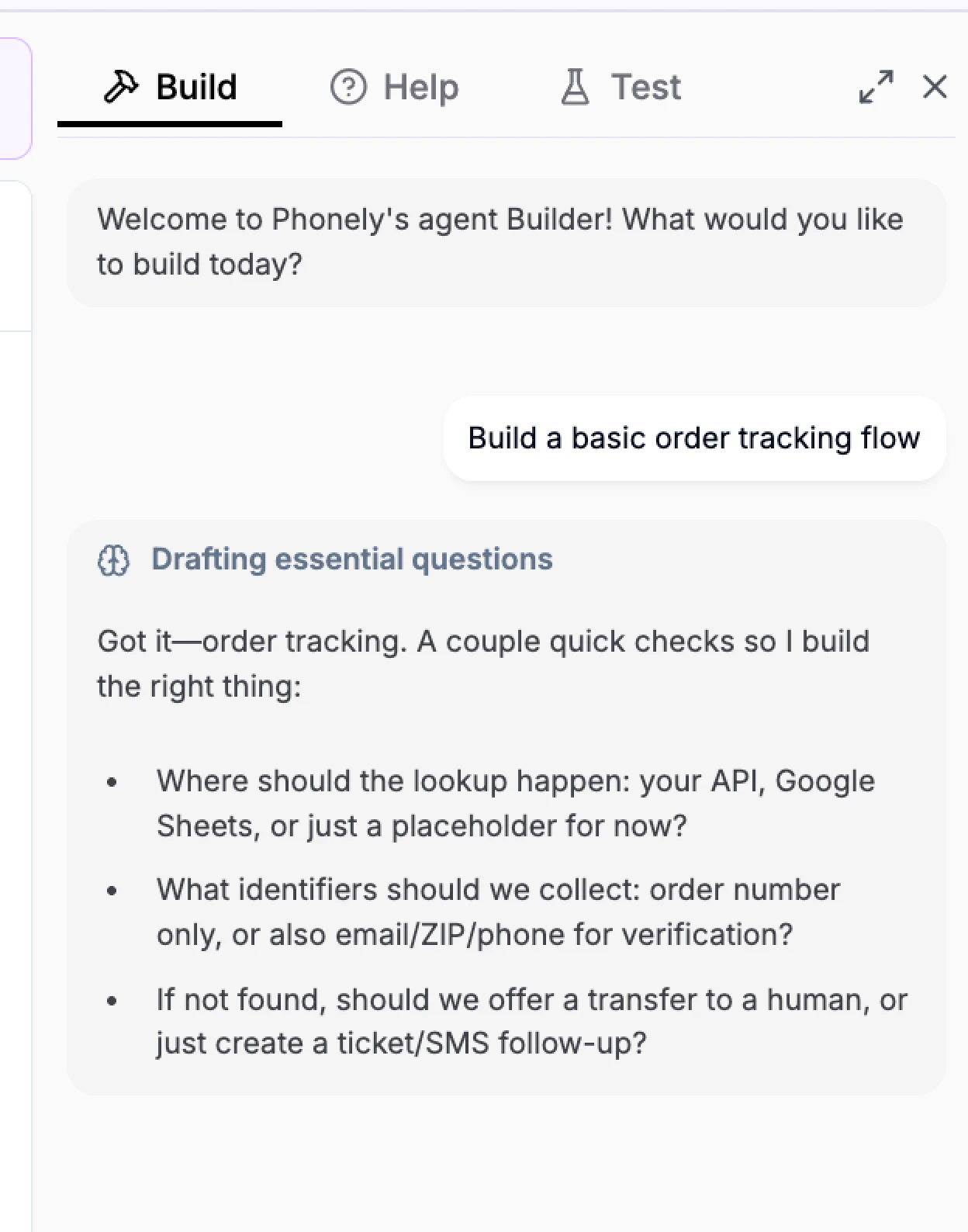
Purpose: Help you design and modify workflows. When the Build tab is active, Ask AI focuses on construction and logic. It understands flows, blocks, and common patterns. You can ask things like:- “Build a basic order tracking workflow.”
- “What’s the best way to collect an email before an API request?”
- “How do I add escalation if the lookup fails?”
Help Mode
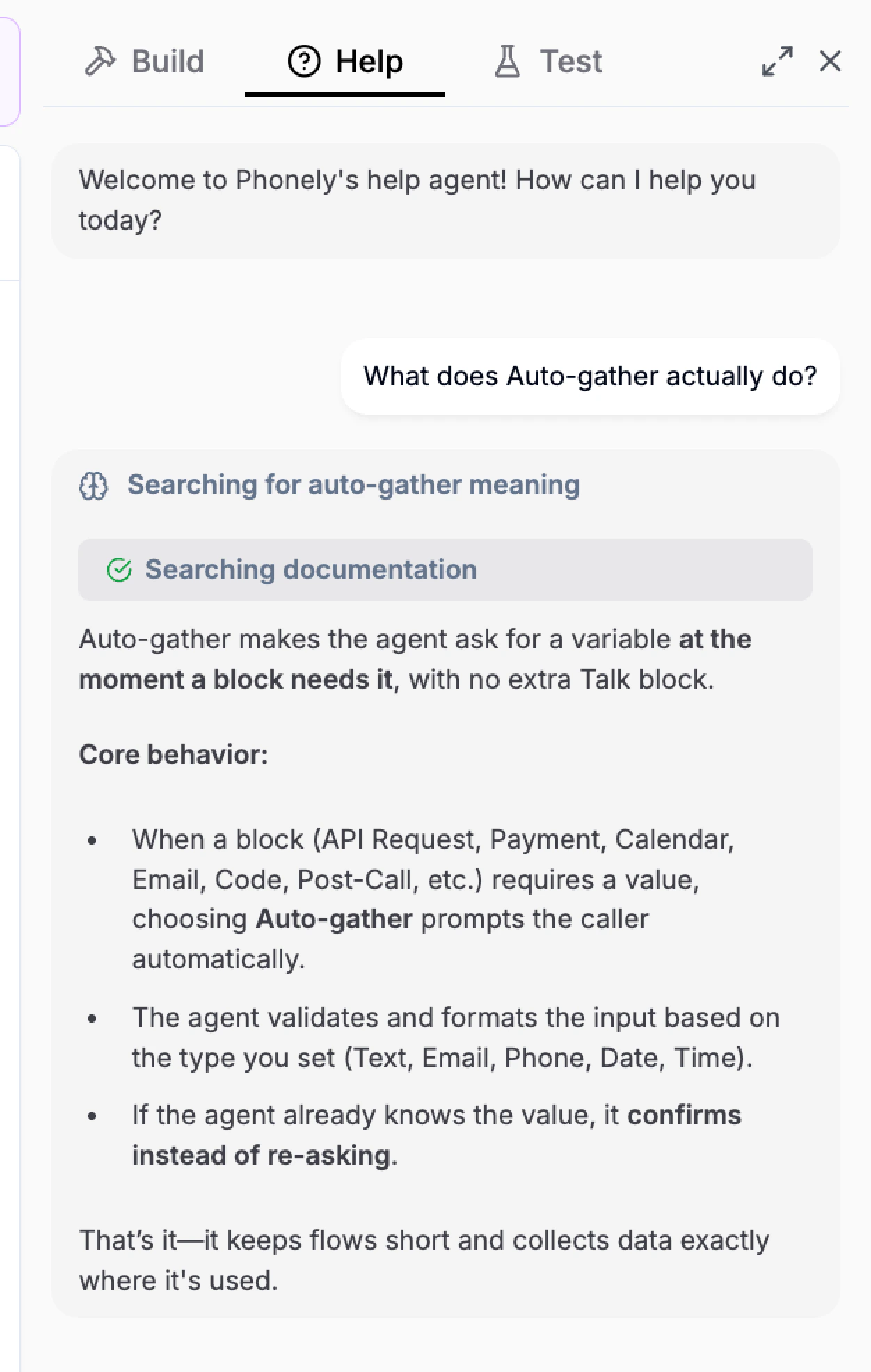
Purpose: Explain how Phonely works. In Help, Ask AI behaves like a contextual documentation assistant. It explains features, settings, and concepts in plain language. Examples:- “What’s the difference between live-call and post-call actions?”
- “How do call outcomes differ from call topics?”
- “What does Auto-gather actually do?”
Test Mode
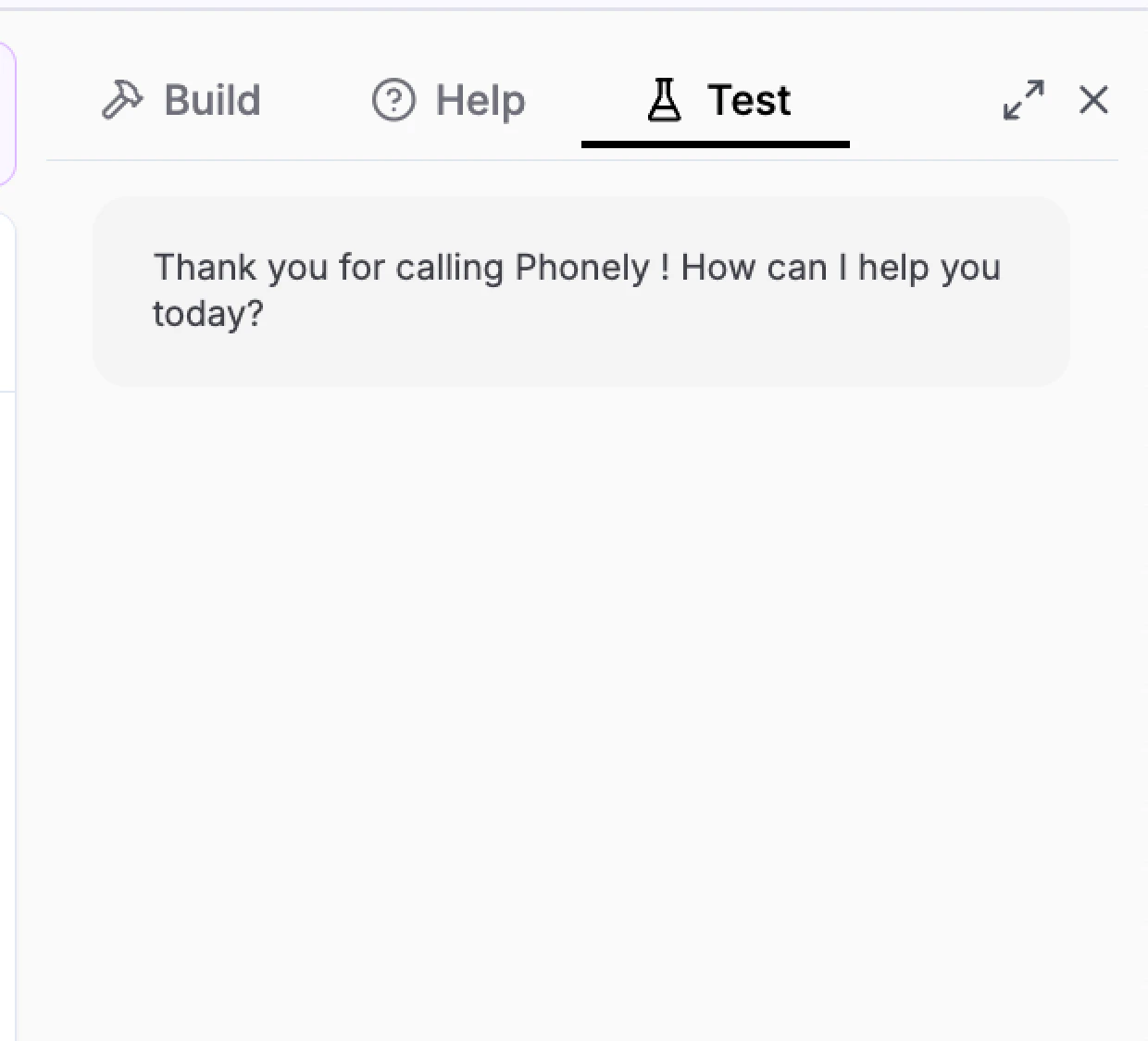
Purpose: Simulate and validate behavior. The Test tab mirrors how your agent speaks during a real call. You’ll see the agent’s greeting (for example, “Thank you for calling Phonely! How can I help you today?”) and can interact as if you’re a caller. You can:- Type responses to simulate caller input
- Restart tests instantly
- Observe how prompts, branches, and logic behave in real time